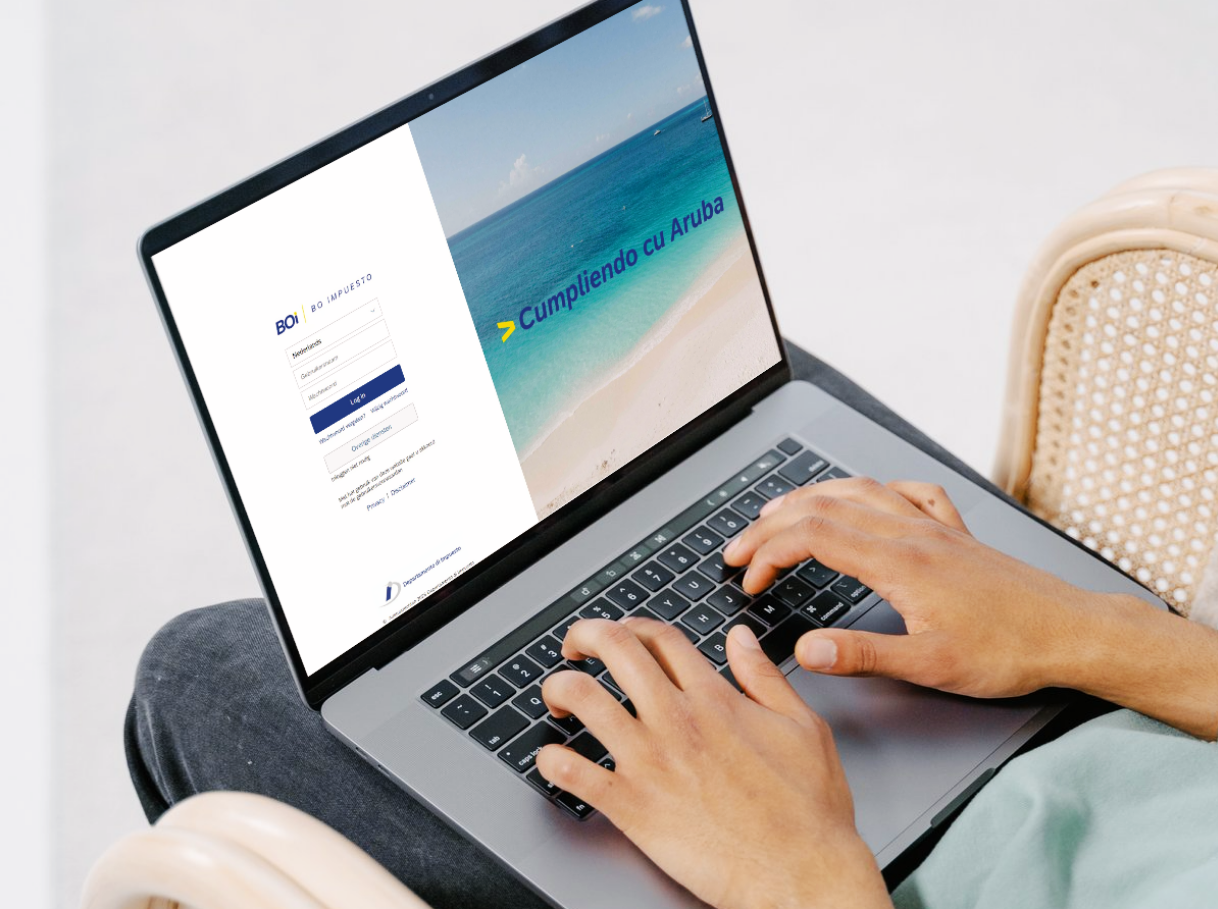
BOi Portal: Aruba Takes a Major Step Towards Digital Taxation
Good news for residents of Aruba: managing your taxes in Aruba just got a whole lot more convenient.
In May 2026, the Departamento di Impuesto (DIMP) launched the second phase of BO impuesto (BOi), Aruba’s official online tax portal. For the first time in Aruba’s history, citizens and businesses can view their tax assessments, arrange payment plans, and manage their full fiscal affairs entirely online.
Fast, secure, and available whenever you need it, BOi puts direct control of your tax situation in your hands. And with Aruba’s tax system now moving fully digital, having a BOi account is no longer optional, it’s essential.
Who can register?
Any person with a “persoonsnummer” (Tax ID Code) is eligible to create a BOi account.
What you’ll need to get started
Before starting, have the following on hand:
- Your “persoonsnummer” (Tax ID Code)
- Your Aruban ID number (cedula or cedula-ID)
- Authenticator app
How to register in 4 simple steps:
- Go to www.impuesto.aw and click BOi or select BOi – Inloggen (on the initial page of impuesto.aw).
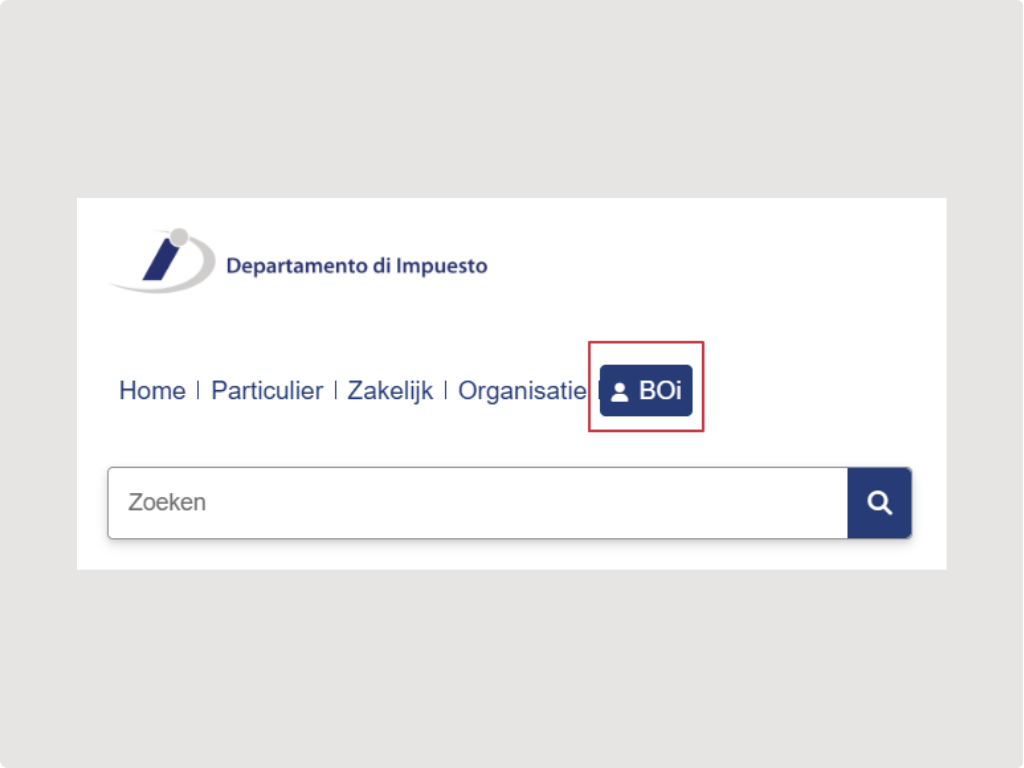
Tip: The impuesto.aw website is available in English. Simply select English before you begin.
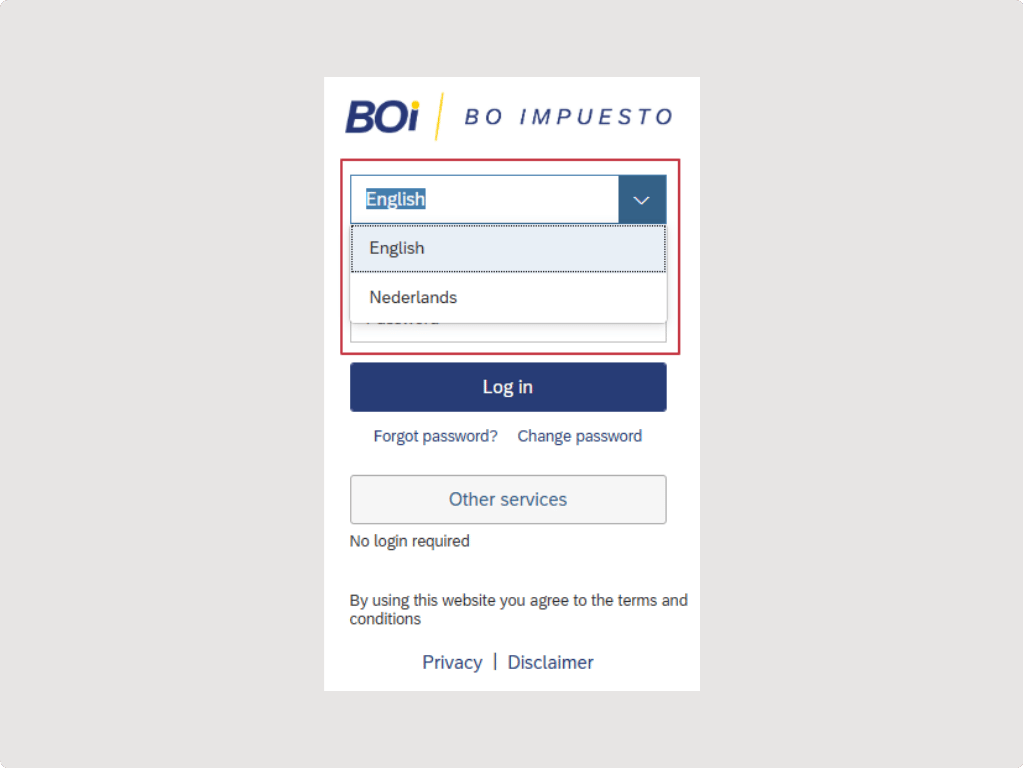
- Click Overige diensten (Other Services).
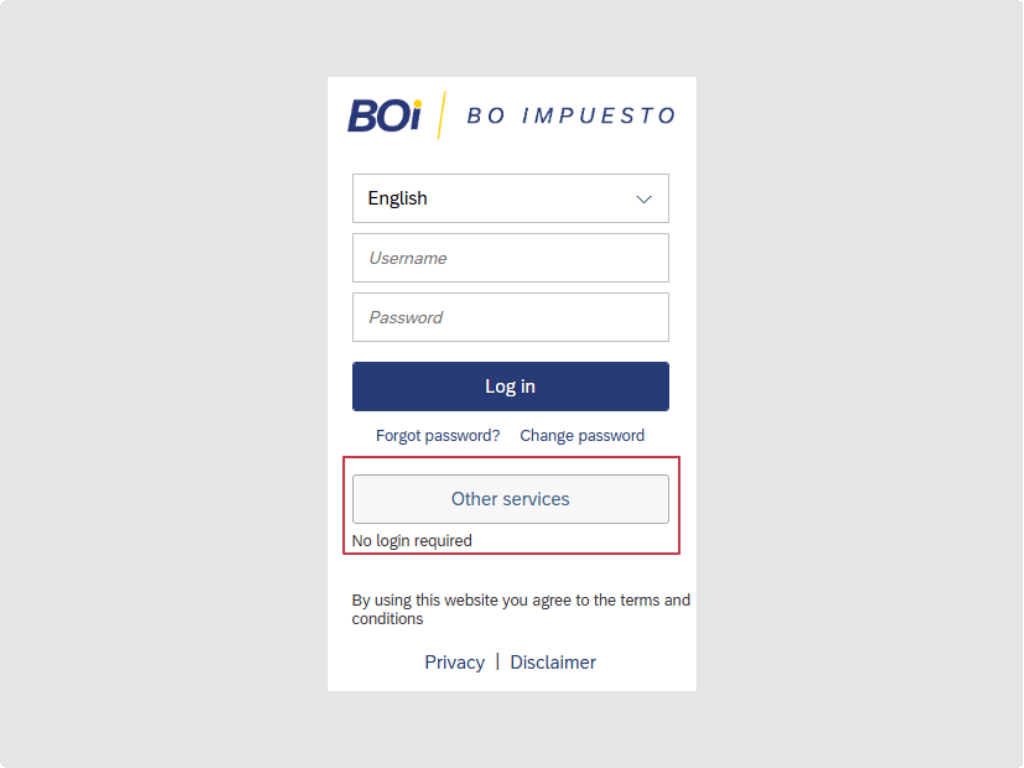
- Select Aanmelding Particulieren (Sign Up Individuals).
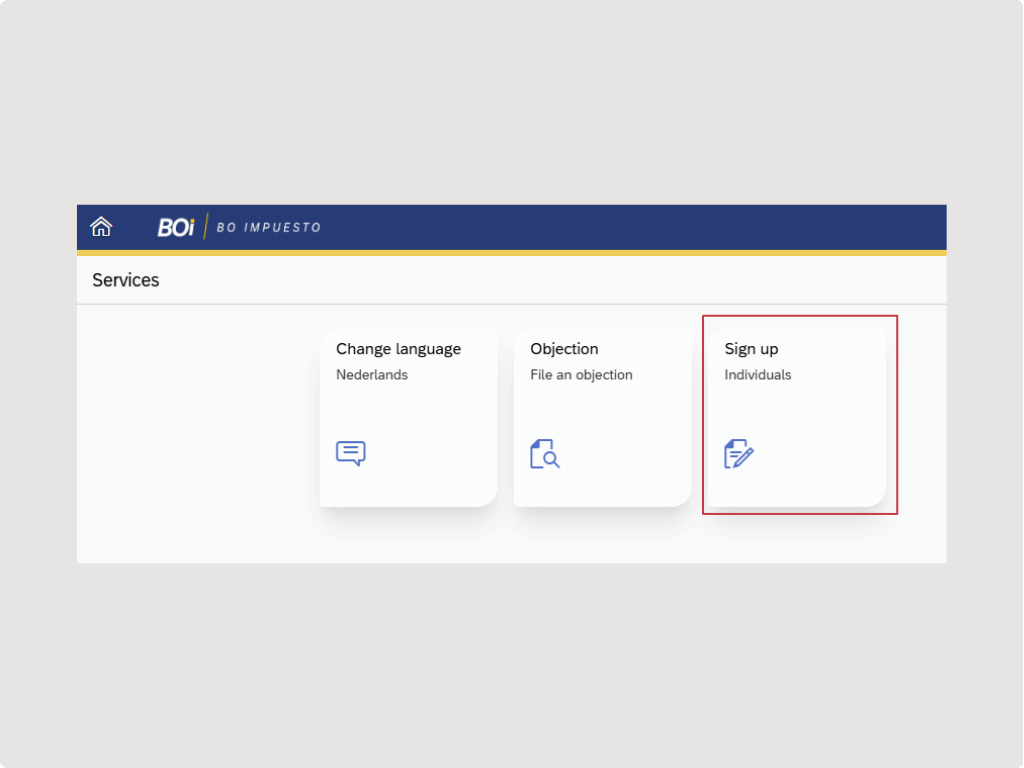
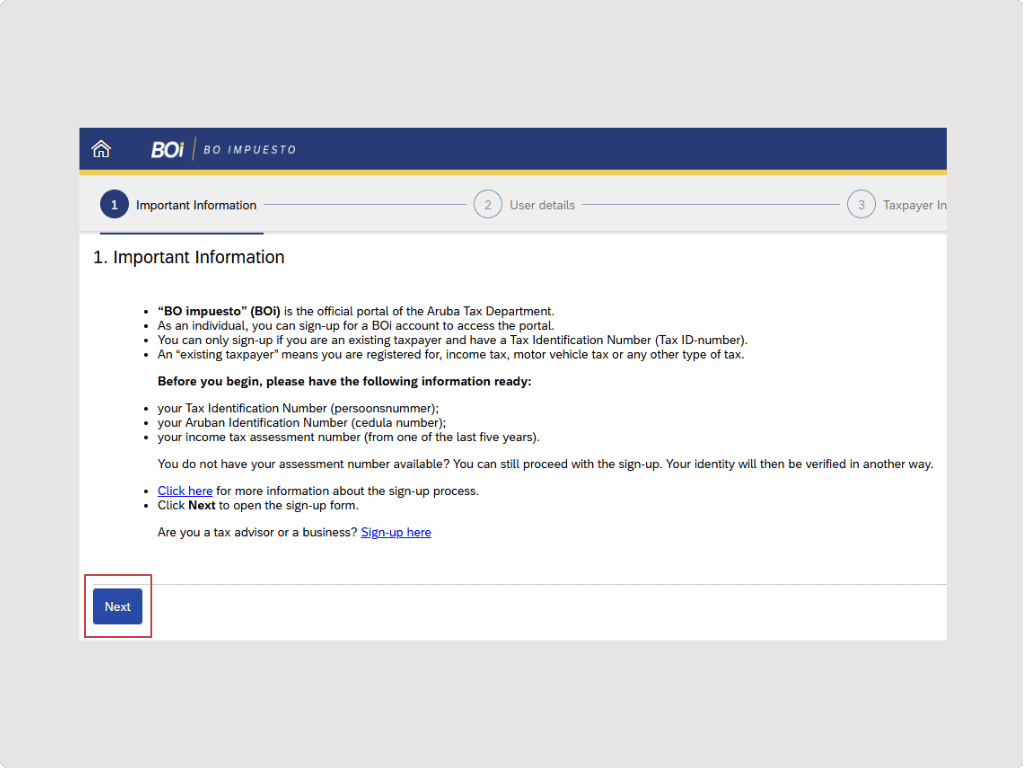
- Read the following on the screen “1. Belangrijke informatie” and click Volgende (Next) to complete the registration form.
What you’ll need to log in
Once registered, logging in requires three things:
- Your username created during registration. Note that your username cannot be changed or deleted once set, so choose carefully and avoid including personal information.
- Your password: after registering, you’ll receive a confirmation email with your username and a separate email with your One-Time Password (OTP) to log in for the first time.
- A free authenticator app: download Microsoft Authenticator or Google Authenticator on your mobile phone or tablet. Both are free. Logging into BOi is completely free of charge.
MFA Is Now Mandatory
As of January 12, 2026, Multi-Factor Authentication (MFA) is required for all BOi users. In addition to your username and password, you will need a 6-digit verification code generated by the Microsoft Authenticator or Google Authenticator App. Without it, you won’t be able to access the portal.
What Can You Do With BOi?
Once you’re in, BOi gives you full control over your tax affairs. The following services are available through the BOi portal:
For everyone:
- Submit a tax objection (bezwaar)
- Set up a payment plan directly, for up to 24 months
- View your account overview: outstanding debts and refunds
- View your payment history for the last 5 years
Please note: tax payments cannot be made through BOi itself. Online payments are made through your bank’s web portal.
PlusAccountants as your Tax Advisor
You remain the administrator of your own BOi account at all times. If you have a tax advisor, you need to assign them within BOi so they can access your declarations and assist you. To allow us to assist you with your tax filings, you will need to formally assign PlusAccountants as your advisor within BOi. Here is how:
- Download the special authorization letter from www.impuesto.aw
- Complete and submit the letter to DIMP (Departamento di Impuesto)
- Once processed, PlusAccountants will have access to your declarations within the portal.
Please note that advisors do not automatically have access to all sections of your portal. For example, the dividend tax section requires your explicit authorization. We strongly recommend completing this as early as possible to avoid any delays in filing.
Need help?
PlusAccountants and PlusPayroll & Tax are happy to guide you through every step. Reach out to us at Tax@PlusAccountants.com.
Share insight

.jpg)
.jpg)